How to Build Beautiful Presentations With AI
An eight-slide talk follows a booking change from request to handoff. Its source, live deck and PDF show how a clear outline, consistent visual choices and a reusable slide engine fit together.

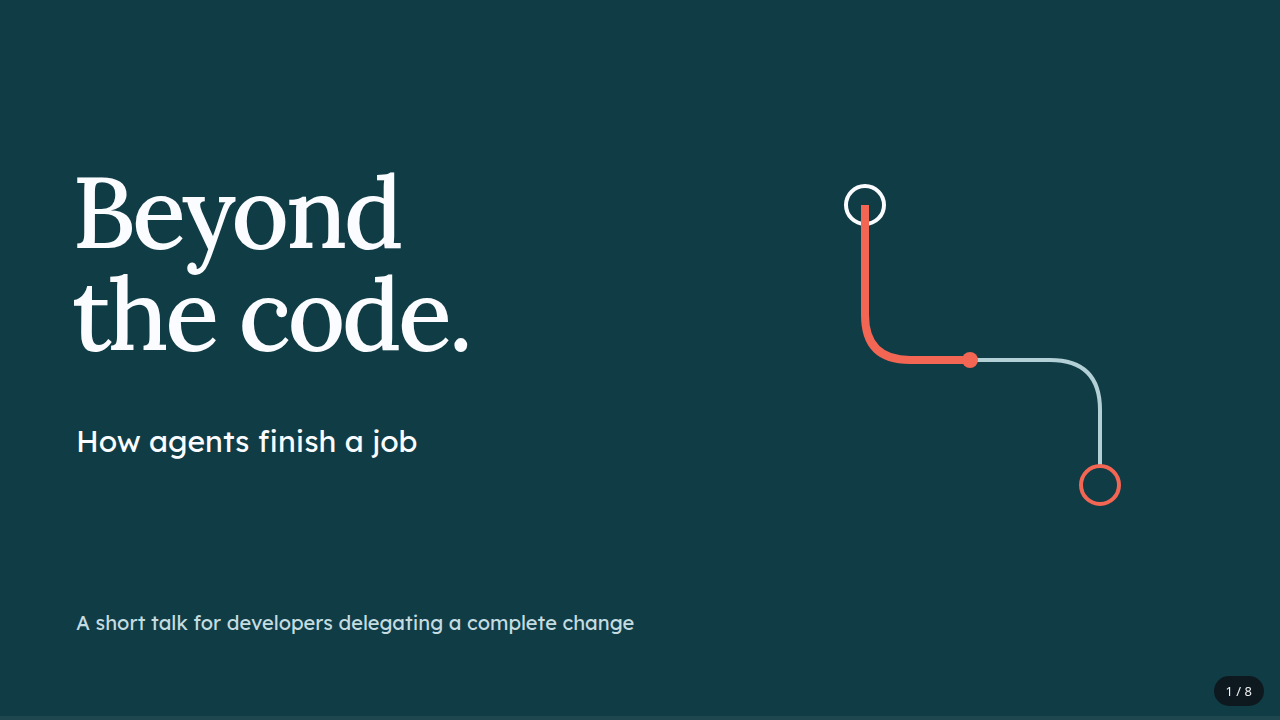
The customer has a booking at 10:00 and wants to move it to 14:00. While they choose, someone else takes the new slot. What should the application do?
That question gives this presentation a story. Beyond the Code: How Agents Finish a Job follows the change from a small request to the behavior, checks and handoff needed to finish it. The booking is hypothetical; the eight-slide deck and its exported files are real.
Open the presentation, read the PDF, or download the editable source.
The deck uses my HTML presentation kit. The kit supplies the presentation engine, so the agent can spend its effort on the content and design. The prompt page has the full instructions and the complete kit download.
1. Give the talk somewhere to go
“Explain coding agents” is a topic. It doesn't tell the audience why they should keep listening.
This talk has a narrower job: help developers see what remains after an agent writes a code change. A booking move makes that concrete. The screen must let the customer choose a destination, the service must preserve the original booking if the move fails, and the final handoff must show what was checked.
The outline follows that thread:
- Introduce the gap between writing code and finishing a job.
- Show the small booking request and the promise inside it.
- Establish what the change must preserve.
- Trace the change through the system.
- Separate service checks from using the actual screen.
- Show the destination becoming unavailable.
- Explain what the handoff needs to contain.
- End with the completed promise.
The headlines carry the argument. “14:00 is gone” introduces a situation the audience can reason about. “Make the handoff answer a decision” tells them why the last step matters. A list of headings such as “Architecture,” “Testing” and “Summary” would leave that work to the speaker.
For another subject, start with the decision or understanding the audience should leave with. Then ask the agent for actual slide copy. It's much easier to repair a weak argument in an outline than after decorating eight pages.
2. Build a visual language around the story
The deck uses Lora for the large headlines and Lexend for explanations. Deep petrol gives the system diagram a quiet background; coral marks the failed move; iris gives the ending a different pace. The light slides make the denser explanations easy to read.
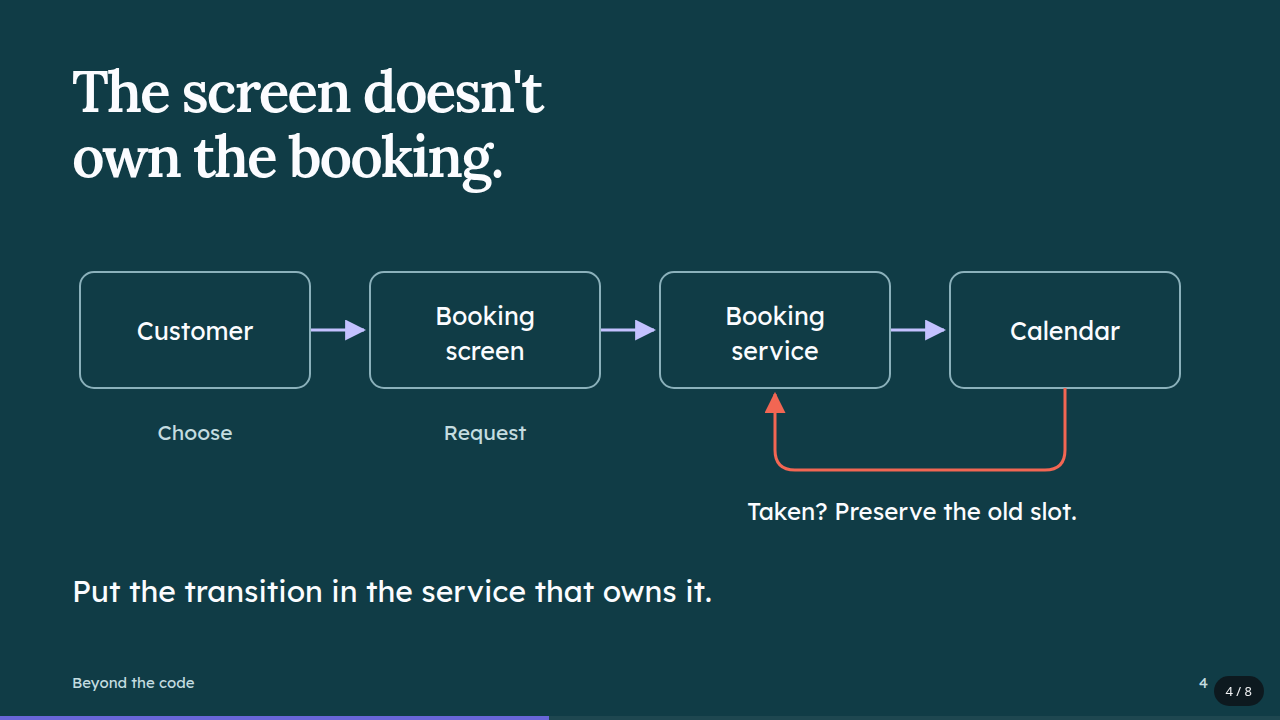
One graphic idea ties them together: a route with a starting point and a destination. On the cover, the route is unfinished. In the system diagram, it describes the request and refusal path. On the last slide, it reaches the endpoint.
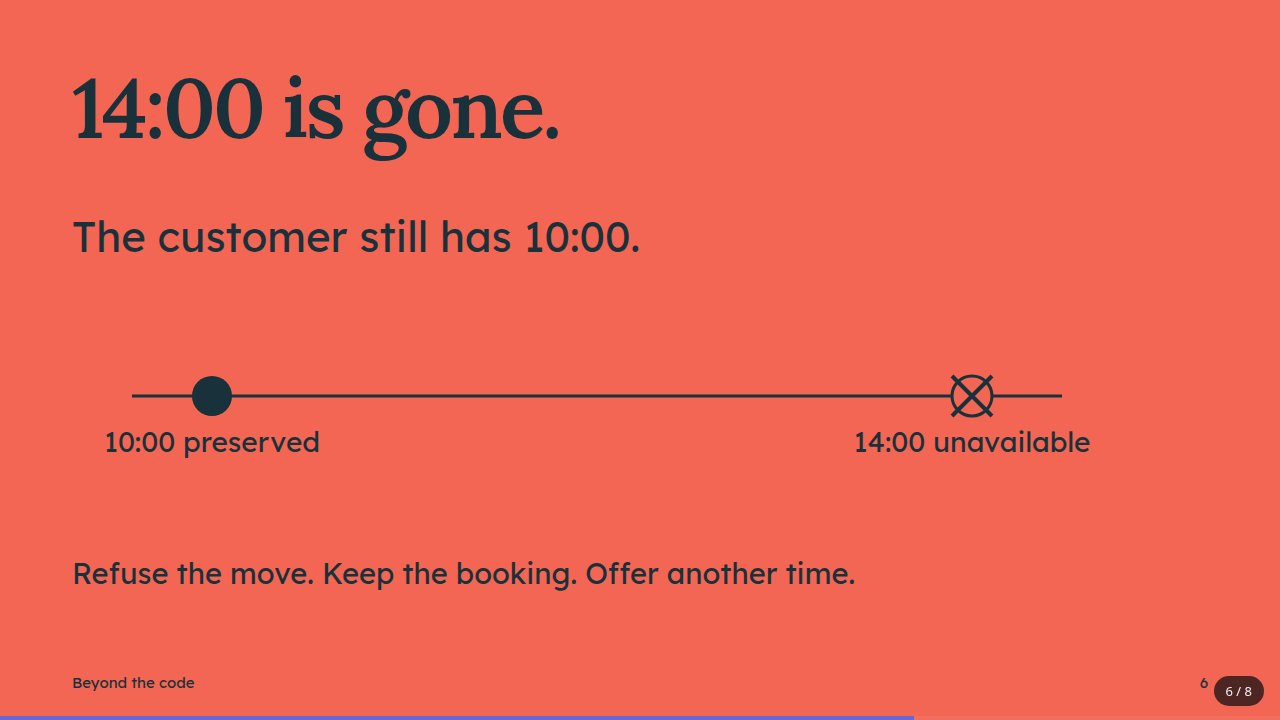
The layouts change with the content. The request gets a split composition with two appointment times. The service boundary gets the full slide width. The failure case gets a large, direct statement and a simple timeline.
That variation keeps the story moving without introducing a new style on every page. Color, type and spacing stay related even when the composition changes.
The diagram also earns its space. It shows where the screen's responsibility ends and where the booking service handles the transition. The return path explains why a refused move can still be the correct result.
3. Let the kit handle the presentation machinery
The editable .slides.html file contains the theme, slide content, diagrams and speaker notes. The builder adds the shared runtime, styles and selected fonts, producing a standalone HTML presentation.
Keyboard navigation, fragments, overview, presenter view and print rules already belong to the kit. They don't need to be reinvented in the example request:
Use html-presentation-kit for an eight-slide English talk:
“Beyond the Code: How Agents Finish a Job.”
Audience: developers starting to delegate complete changes to coding agents.
Follow a booking move from the initial request through failure handling and handoff.
Style: strong serif headlines, petrol and iris, a coral failure slide, varied layouts.
The prompt page explains installation and use. Keep the complete kit files together: the builder needs its runtime and assets. HTML assembly uses Python 3; checks and PDF export need Chrome or Chromium. Page-image export uses Poppler, with Pillow for the contact sheet.
The slide canvas is fixed at 1280 by 720 pixels. Design within it rather than treating each slide as a scrolling page. When a slide gets crowded, split the idea before shrinking all the text.
For later revisions, edit the source and rebuild. Changes made only to the generated HTML disappear on the next build.
4. Inspect the talk, not just the build result
The finished deck passed the kit's overflow and font checks. Its PDF has eight pages at 960 by 540 points, and every exported slide was visually reviewed.
That visual pass caught something the automatic check didn't: the appointment panel on slide two came too close to the sentence below it. Reducing the panel's padding and time-label size gave both room. Geometry checks help, but they don't judge every relationship on the page.
A new headless Chrome session also exercised navigation, fragment reveals, overview, help, slide jumping, presenter notes and synchronization in both directions. The deck fitted a 390-pixel viewport, and the offline session made no external HTTP requests or page errors. Those observations apply to this generated deck; remote assets in another source would need their own check.
Try the live version with the arrow keys. Press O for overview, ? for help and S for presenter view. The PDF shows all fragments at once, so it remains readable without the speaker's key presses.
The useful revision question is still about the talk: does each slide make the next part easier to understand? Here, the failed move leads naturally to the handoff. The audience has seen the promise, the place it could break and the evidence someone needs before calling the work finished.